Reading journal for Android

Your reading life,
beautifully kept.

Save books, collect quotes, and build your personal reading journal. Your library lives on your device — no account required to get started.

Free to use · No Play Store · Android 8.0+
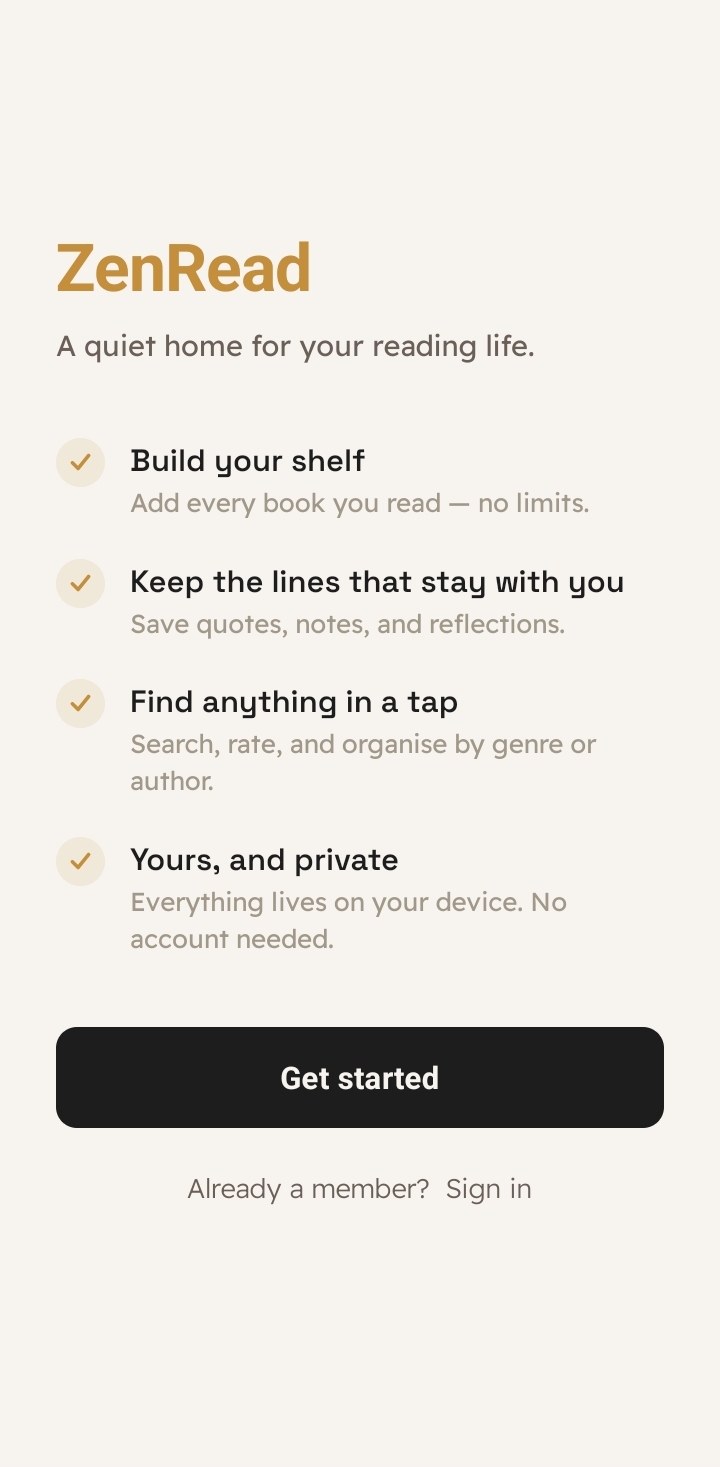
ZenRead welcome screen
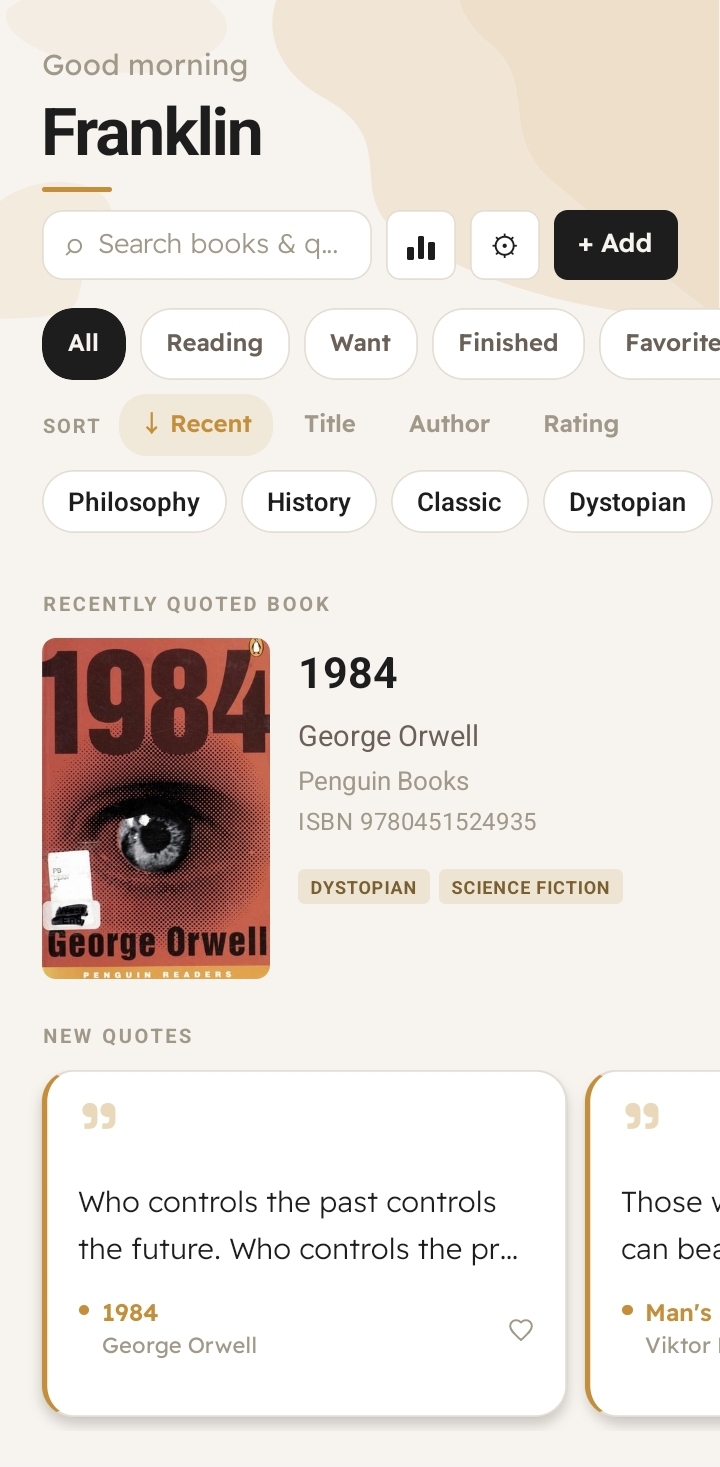
ZenRead library screen

Everything you need

A reading journal that stays
out of your way

Built for readers who want a simple, beautiful place to capture thoughts — not another productivity app.

📴
Your Library, On-Device

Books, quotes, and notes are stored locally — no account needed. Adding and reading your library works without internet. Cover art, ISBN lookup, and cross-device sync require a connection.

✍️
Quote Collection

Save quotes with page numbers, add personal notes, and keep every meaningful passage in one place.

🔗
Cross-References

Use @ mentions to link quotes across different books and build a web of connected ideas.

🔍
Search & Filter

Find any book or quote instantly. Filter by title, author, or search across all your saved text.

Favorites

Mark your best books and quotes as favorites for quick access to the passages that matter most.

📊
Reading Stats

Track your library size and quote count over time with simple, at-a-glance reading stats.

App preview

See ZenRead in action

Clean, minimal, and built around your reading — not around engagement metrics.

ZenRead library
Your Library
All your books in one place
ZenRead book detail
Book Details
Quotes, notes, and ratings
ZenRead quote preview
Quote Preview
Every passage, beautifully saved
Pro

Capture quotes
without typing.

Upgrade to Pro and let your camera do the work. Scan ISBN barcodes to auto-fill book details, or point your camera at any page to capture a quote instantly — all processed on-device.

OCR scanner — capture quotes from any page with your camera
ISBN lookup — auto-fill title, author, and cover by scanning barcodes
On-device processing — your text never leaves your phone

Pro is available inside the app — download ZenRead and upgrade from the app when you're ready.

ZenRead share quote

Get started

Download ZenRead

No Play Store. No account needed for the free tier. Just download, install, and start reading.

1
Download APK

Tap the button below to get the latest version.

2
Allow unknown apps

In Android settings, enable "Install unknown apps" for your browser.

3
Install & read

Open the downloaded file, tap Install, and you're done.

Download APK — v0.1.0

Android 8.0 (Oreo) or later · Free tier needs no account